What it does
Invoices land in QuickBooks
When PetKlndr makes an invoice, for an accepted proposal, a visit or a membership, it is pushed to your QuickBooks Online company. No typing it twice.
Customers matched for you
PetKlndr looks for the customer in QuickBooks by name and uses that one. If the client is new, the customer is created.
QuickBooks emails the invoice
Each invoice is emailed to the client by QuickBooks, so they pay the way your QuickBooks is set up, such as card or bank transfer through QuickBooks Payments.
Payments come back
Once the client pays in QuickBooks, the invoice shows as paid in PetKlndr and on your dashboard. An invoice voided in QuickBooks is voided here too.
One reminder when it's late
Three days after an unpaid due date, PetKlndr asks QuickBooks to email the invoice again. One reminder, not a stream of them.
Xero instead of QuickBooks
Use Xero? It connects the same way: contacts matched or created, invoices emailed by Xero, payments read back.
How it works
- 1
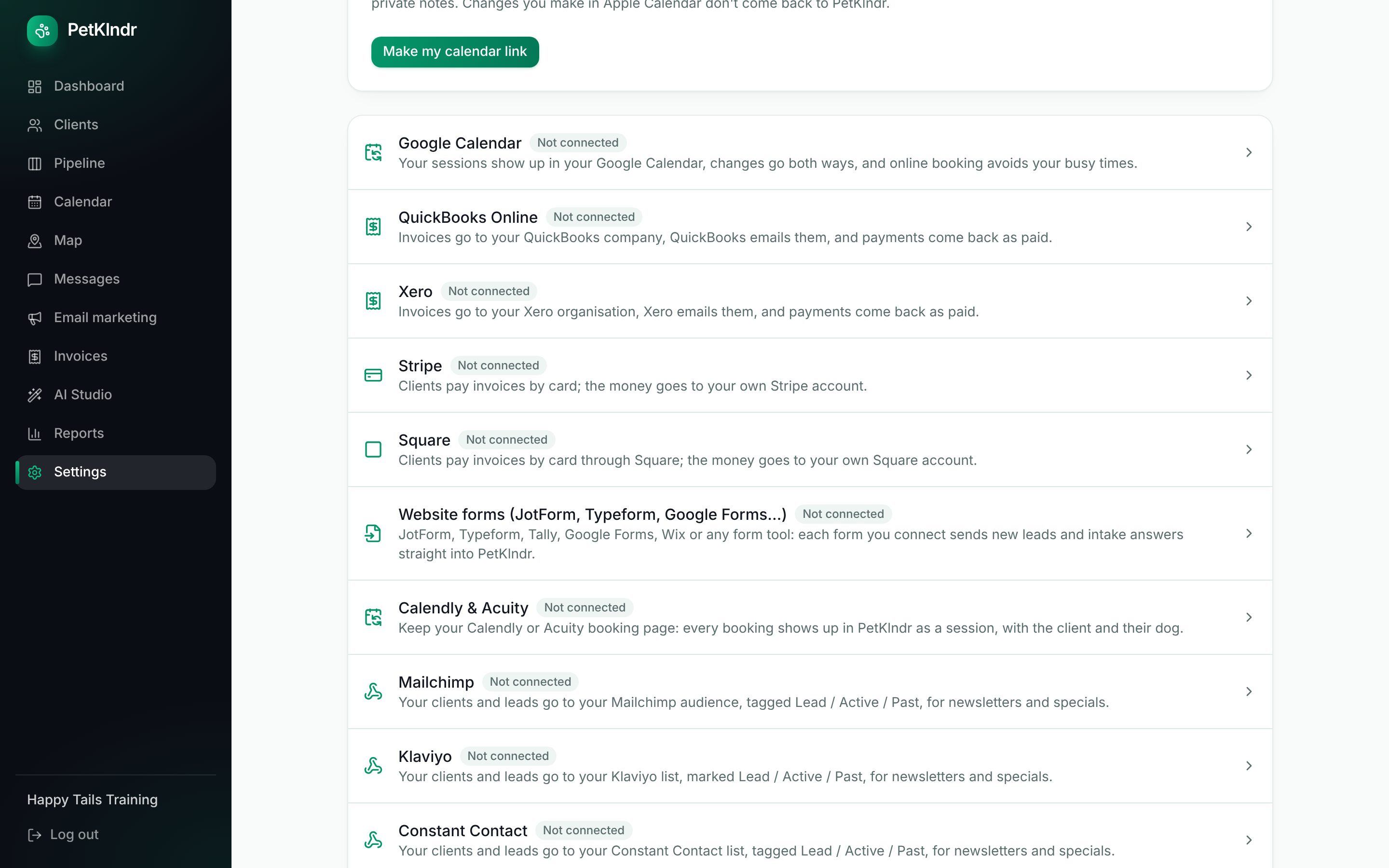
Open Settings, Connections and connect your QuickBooks Online company with your Intuit login.
- 2
Work as usual. Invoices made in PetKlndr are sent to QuickBooks, which emails them to your clients.
- 3
When a client pays, PetKlndr picks it up and marks the invoice paid.
Questions people ask
Does it work with QuickBooks Desktop?
No. PetKlndr connects to QuickBooks Online only.
How often does it sync?
The sync runs while you, the owner, have PetKlndr open: every few minutes, and right away when invoices are waiting. There is also a "Sync with QuickBooks now" button. If you haven't opened PetKlndr for a while, it catches up the next time you do.
I have QuickBooks and Stripe. Which one handles payments?
QuickBooks. While QuickBooks is connected, it handles invoices and payments, and the other card connections stand aside.
What about cash and checks?
Mark the invoice paid in PetKlndr with a note, or record the payment in QuickBooks and let it come back on the next sync.
Included in one price.
Everything included
$79 a month.
Try it free for 30 days first, no card needed. If it isn't for you, you just stop.
Start my free trialWhat's includedMade for dog trainers, groomers, walkers and sitters and in-home boarders.
Goes well with:InvoicingCard paymentsReportsEvery feature
Ready for an easier week?
Setting up takes a few minutes. Bring your clients from a spreadsheet or your old app, and try everything free for 30 days.