What it does
Invoices you don't have to write
An accepted proposal makes its invoices, a finished single visit can make one, and memberships bill every month. You can also charge a late-cancel or no-show fee from your own policy.
One bill a week or a month
For regular walks and visits, send each client a single bill for the week or month with every visit listed, instead of a separate invoice each time.
A pay link on every invoice
Each invoice has its own payment page with your logo. Clients find the same Pay button in their portal and in the emails.
Collect in person with a QR code
Standing at the door? Show the invoice's QR code, the client pays on their own phone, and your screen turns green when it goes through.
Works with how you take money
Connect QuickBooks Online, Xero, Stripe or Square and payments are marked paid for you. Or add Venmo, PayPal, Cash App and Zelle buttons, or take cash and checks and mark them paid.
Reminders and thank-yous
An unpaid invoice gets one reminder three days after its due date. When a payment arrives, a thank-you email can go out with the amount.
How it works
- 1
Choose how you get paid: connect an account, add your pay names, or stick with cash and checks.
- 2
Carry on scheduling and closing visits. Invoices are created as you go.
- 3
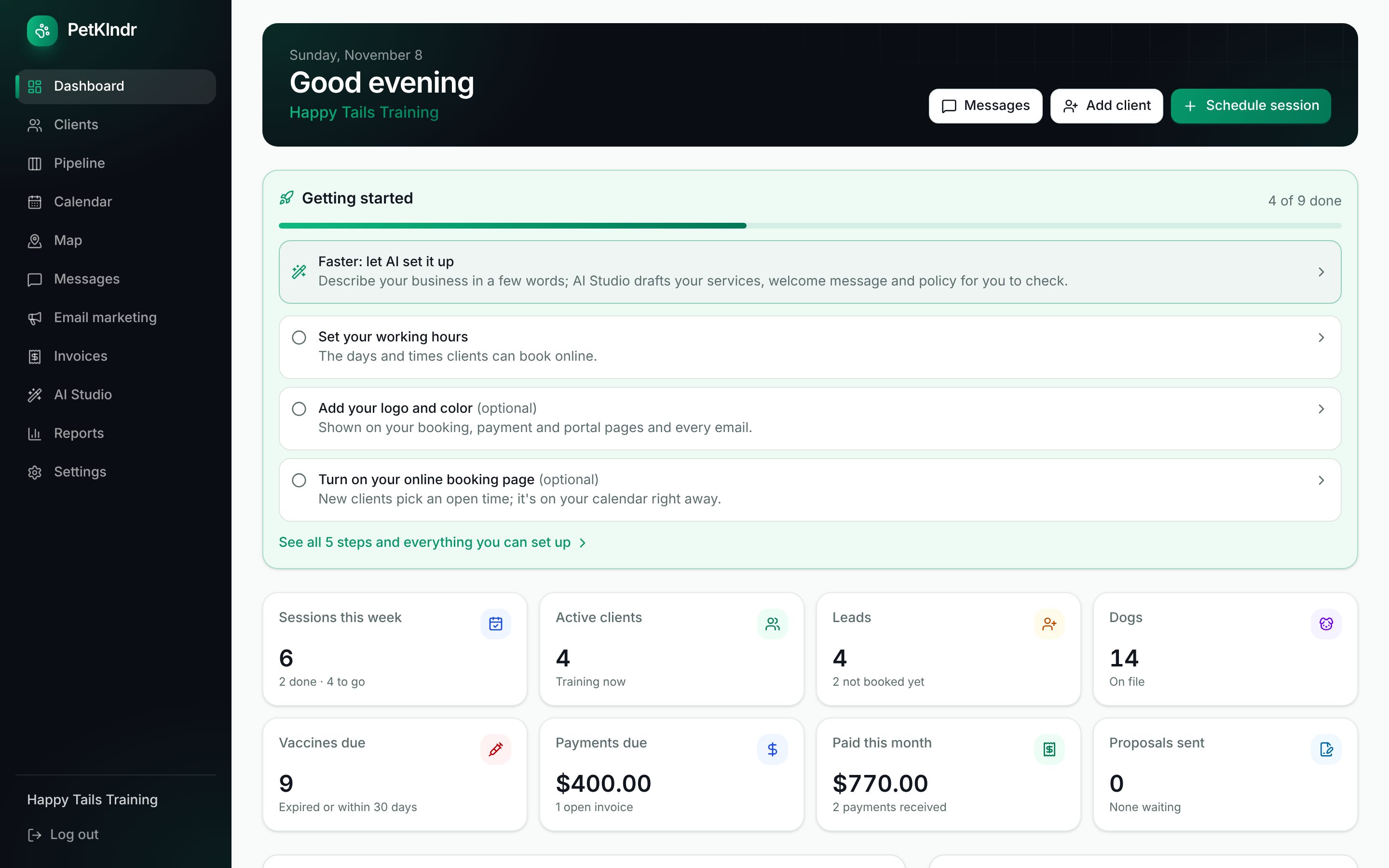
Watch Payments due and Paid this month on your dashboard, and tap an invoice to collect or mark it paid.
Questions people ask
Do I need a card processor to use invoices?
No. Invoices work on their own as a record and a receipt, and you can mark them paid by cash or check. To take cards you need your own Stripe, Square, QuickBooks or Xero account connected, and the money goes straight to you.
If I use QuickBooks, do I enter invoices twice?
No. PetKlndr sends each invoice to QuickBooks Online, QuickBooks emails it to the client, and the payment comes back to PetKlndr. Xero works the same way.
Are Venmo and Zelle payments marked paid automatically?
Not those. The buttons open the client's app with the amount filled in, and you mark the invoice paid when you see the money. Card payments through a connected account are marked for you.
Can I delete an invoice I made by mistake?
You void it rather than delete it, so your records always add up. A voided invoice no longer shows as owed.
Included in one price.
Everything included
$79 a month.
Try it free for 30 days first, no card needed. If it isn't for you, you just stop.
Start my free trialWhat's includedMade for dog trainers, groomers, walkers and sitters and in-home boarders.
Goes well with:QuickBooks integrationCard paymentsPackages and payment plansEvery feature
Ready for an easier week?
Setting up takes a few minutes. Bring your clients from a spreadsheet or your old app, and try everything free for 30 days.