What it does
Sessions go to Google by themselves
Every session you schedule, move or cancel is copied to your Google Calendar with the client, pet and address.
Changes in Google come back
Move a PetKlndr session in Google Calendar and the new time is saved in PetKlndr and the client's invite is updated. Delete it there and the session is cancelled.
Your busy times are respected
Personal events appear as grey busy blocks on the PetKlndr calendar, and online booking never offers those times.
Turn Google events into sessions
Typed "Luna 3rd session" straight into Google? PetKlndr spots events that name a client or pet and lets you add them as real sessions, so they count toward the package.
A calendar for each team member
Trainers and groomers you invite can connect their own Google Calendar and get just their sessions there, while the business calendar keeps everything.
Outlook and Apple Calendar too
Connect Outlook or Microsoft 365 to put sessions on that calendar, or subscribe to a private link in Apple Calendar on your iPhone or Mac.
How it works
- 1
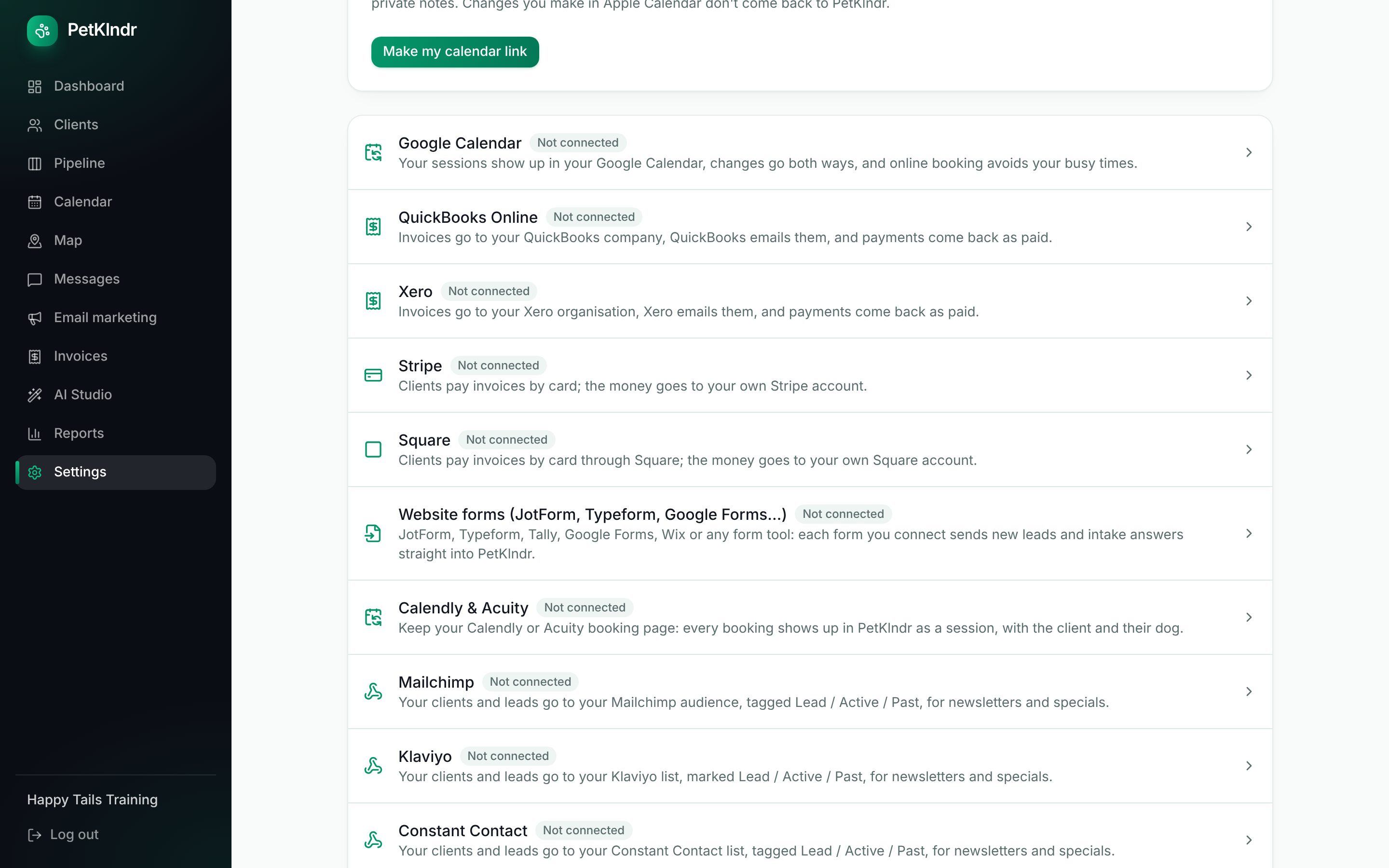
Open Settings, Connections and tap Connect Google Calendar.
- 2
Sign in with Google and allow PetKlndr to manage its own events.
- 3
Send your upcoming sessions across once. From then on both sides stay in step.
Questions people ask
Is the sync really two-way?
For Google Calendar, yes, for the sessions PetKlndr put there: moving or deleting one in Google changes it in PetKlndr within a couple of minutes while you have PetKlndr open, and the client gets an updated invite if they were sent one. Your other Google events are never changed. They are only read as busy times.
What about Outlook and Apple Calendar?
Those are one-way. Sessions go from PetKlndr to Outlook, and Outlook busy times are used for online booking, but a move made in Outlook does not come back. Apple Calendar uses a subscription link that shows your schedule and refreshes on Apple's own timing.
Can PetKlndr read my email or my other calendars?
No. The calendar connection covers calendar events only. Sending email from your Gmail address is a separate, optional connection, and it can only send, never read.
What happens to events I typed into Google myself?
They stay exactly as they are and show as busy. If one looks like a client session, PetKlndr offers to add it as a session, and you decide each time.
Included in one price.
Everything included
$79 a month.
Try it free for 30 days first, no card needed. If it isn't for you, you just stop.
Start my free trialWhat's includedMade for dog trainers, groomers, walkers and sitters and in-home boarders.
Goes well with:SchedulingOnline bookingRemindersEvery feature
Ready for an easier week?
Setting up takes a few minutes. Bring your clients from a spreadsheet or your old app, and try everything free for 30 days.