Why owners pick PetKlndr
A service menu with sizes and add-ons
Tick baths, full grooms, nail trims and de-shedding from a ready list and type your own prices. Set a price for small, medium, large and extra large, and add-ons that add their own time and cost.
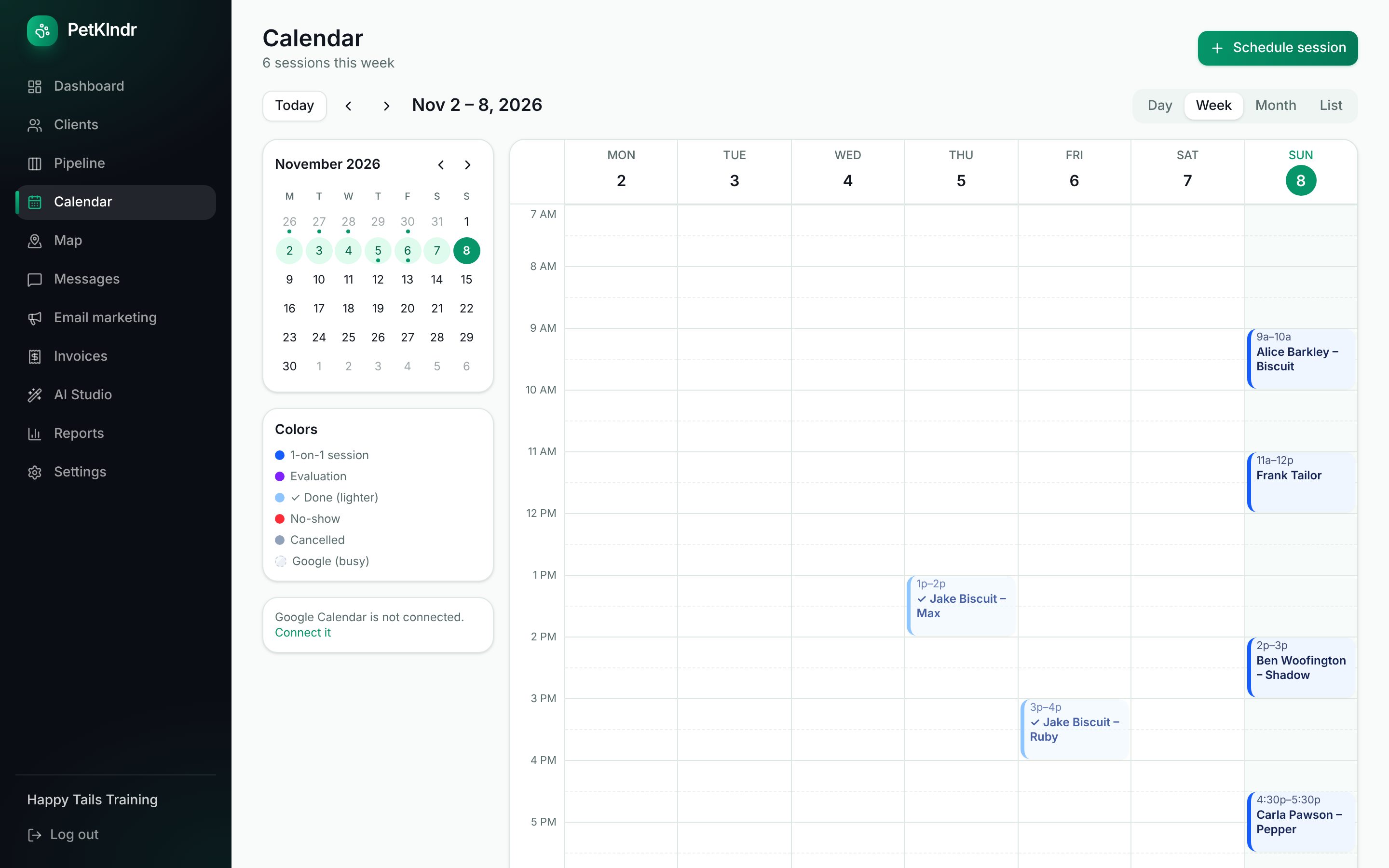
Appointments that price themselves
Pick the service, the size and the add-ons when you book, and the length and the price are filled in. Mark it done and the invoice can be made for you.
A grooming profile for every pet
Coat type, the usual style, and warnings such as muzzle, matted, nervous, senior or no dryer. They show on the appointment, so you see them before the pet is on the table.
Who is due for a groom
Give each pet a usual interval in weeks. The dashboard lists pets that are due with nothing booked, and a "time to rebook" message can go out by itself with your booking link.
Rebook before they leave
When you close an appointment, PetKlndr offers the same time a few weeks on. One tap and the next groom is booked.
Before and after photos
Add a before and an after photo to the appointment and send them side by side in a report card. Clients keep them in their portal.
What's included
- A service menu with prices by size
- Add-ons with their own time and price
- Online booking by service
- Grooming notes and warnings per pet
- "Due for a groom" on your dashboard
- Automatic "time to rebook" messages
- Before and after photos in report cards
- Deposits and no-show fees
- Tips on card payments
- A waitlist for cancelled slots
Switching? Bring your clients, pets, packages and upcoming sessions over with a spreadsheet import. See every feature
Everything included
$79 a month.
Try it free for 30 days first, no card needed. If it isn't for you, you just stop.
Start my free trialWhat's includedQuestions people ask
Does it suit a mobile groomer?
Yes. Each appointment carries the client's address with a directions button, you can see drive time between stops, and the whole thing works in your phone's browser. It is a web app you can add to your home screen, not an app from the App Store.
How do I bring my clients and pets?
Export a spreadsheet (CSV) from your current software and use Clients, then Import. Owners, pets and upcoming appointments can come over. Grooming notes that don't have a matching column are worth adding by hand as each pet comes in.
Can I take a deposit for new clients?
Yes. Set a deposit amount in your policies and a new client who books online gets a pay link straight away. A paid deposit comes off the bill for that visit.
How much is it?
One simple price per month for everything, after a free trial. The Pricing page shows the current price, and your clients never pay to use it.
More about PetKlndr for groomers.
MoeGo is a trademark of its owner. PetKlndr is not affiliated with or endorsed by it.
Ready for an easier week?
Setting up takes a few minutes. Bring your clients from a spreadsheet or your old app, and try everything free for 30 days.